.png?width=200&height=59&name=IPTellogo-byline-2020-dark-v2-pnd-optimised-500%20(1).png "IPTellogo-byline-2020-dark-v2-pnd-optimised-500 (1)")
A large site doesn't fail because someone forgot to buy access points. It fails when the design was a guess that nobody tested: a predictive done from old floor plans, cabled straight away, then discovered to be wrong once the racking, lead-lined rooms and tinted glass go in. In this blog, we'll show you what a proper Wi-Fi survey and design service should include for a large site, what the heatmaps and rollout plan should look like, and the questions to ask before you choose a survey contractor.
Survey Types: Which Ones Does a Large Site Need?
 Most large sites need three surveys, not one: a predictive design to model the site, an onsite pre-deployment survey to test that model before any cabling, and a post-install validation survey to prove the result. A diagnostic survey is a fourth type, used when an existing network is misbehaving and nobody knows why.
The predictive design is built in Ekahau from scaled floor plans. Each wall is given an attenuation value, access points are placed and the coverage is simulated. It gives you an access point count, locations and a budget, but it is still a model.
The pre-deployment survey tests that model on site. Engineers mount the exact access point model, on a battery-powered rig, at the designed locations and measure what it really covers. The predictive is then corrected to match reality. Until that happens, the drawings should be marked "not for construction".
The validation survey happens after installation and tuning. It walks 100% of the areas in scope and compares what was built against what was designed.
Skipping the onsite test is the most common way to save money up front and spend it later. Adding a single access point after the cabler has left costs far more than adding it on a drawing.
Design Grade: What Should the Survey Be Designed For?
A good survey is designed around the least capable, most important device on the site, not around laptops. That choice sets the design grade: data, voice, location tracking or patient monitoring. Each grade needs a different signal strength, overlap and access point density, so it has to be agreed before anyone opens a floor plan.
Data grade suits stationary laptops and needs the fewest access points, but it has the least headroom when the building turns out heavier than modelled.
Voice grade is the sensible default for most large sites. It is built for Wi-Fi phones, handheld scanners and anything that roams, so every area is covered by at least two access points at -67 dBm.
Location and patient monitoring grades are denser again. Clinical sites, duress systems and asset tracking need a third access point in range, or stronger signal throughout, and the survey has to prove it.
Warehouses are a special case. Racking that fills and empties changes the RF every week, so aisles are usually covered with directional antennas rather than ceiling omnis.
Pro-Tip: Before you request quotes, list the devices that must work everywhere (phones, scanners, tags, clinical monitors) with their model numbers. A contractor who doesn't ask for that list is designing for laptops.
Heatmaps: What Should a Survey Report Show?
.png?width=173&height=173&name=Wi-Fi%20Troubleshooting%20Part%201%20(Instagram%20Post).png) A survey report for a large site should show more than one green coverage map. Expect primary and secondary coverage for each band in use (2.4, 5 and, where in scope, 6 GHz), signal-to-noise ratio, channel overlap and access point density, each with a clear legend and the threshold it was measured against.
A survey report for a large site should show more than one green coverage map. Expect primary and secondary coverage for each band in use (2.4, 5 and, where in scope, 6 GHz), signal-to-noise ratio, channel overlap and access point density, each with a clear legend and the threshold it was measured against.
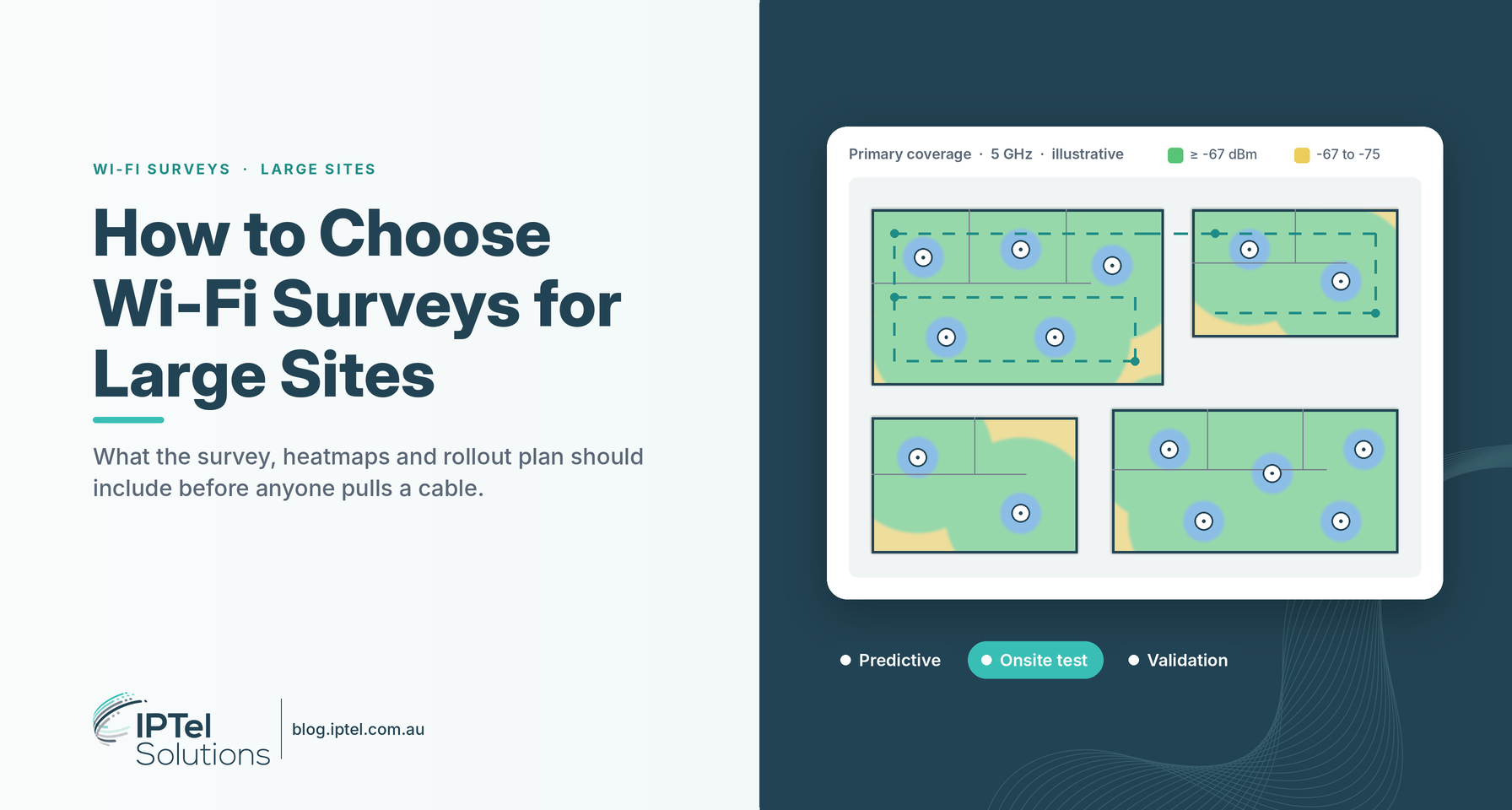
Primary coverage shows the strongest access point at each spot. Secondary coverage shows the second strongest, which is what keeps a phone call alive as someone walks the floor. For voice, both should meet -67 dBm across the areas in scope.
The other layers are where problems hide. An all-green primary map can still conceal access points running too hot, too many radios on the same channel and cells far bigger than they should be. Signal-to-noise and channel overlap maps catch that.
Ask to see how the predictive compares with the onsite measurements, too. If the report can't explain where the model was wrong and how it was corrected, the survey hasn't done its job.
Rollout Plan: What Turns a Design Into an Install?
The heatmap tells you the design works; the rollout plan tells the installer how to build it. On a large site that means numbered access point markups, mounting details and heights, cabling rules, a bill of materials, switch port and power budgets, and a tuning and validation plan after installation.
The markup drawings should match the predictive exactly: the same access point numbers, models, heights and antenna downtilts, with photos of tricky mounting points and callouts for anything unusual.
They should also spell out what the cabler can and can't change. A move of a metre or two is usually fine; moving an access point to the other side of a wall or into a corridor is not.
Spare outlets belong on the plan wherever there is risk: heavy walls, records rooms, building edges. They are cheap during the install and expensive afterwards.
The plan should cover the network behind the Wi-Fi, too. Tri-band Wi-Fi 6E and Wi-Fi 7 access points typically need 802.3bt or UPOE power and multi-gigabit uplinks, so switch ports, PoE budget and cabling (Cat6A is preferred) need checking before the order goes in.
Pro-Tip: Ask for RF tuning to be quoted with the validation survey. Controllers adjust power automatically, but on a large site it pays to check cell sizes on a small area first, before the whole building is surveyed.
Survey Contractors: What Should You Ask Before You Choose?
.png?width=173&height=173&name=How%20to%20Improve%20Wi-Fi%20Performance%20(Instagram).png) Compare Wi-Fi survey contractors on method, not price per square metre. Ask who does the work, whether the design is tested on site with the exact access point model before cabling, what share of locations they sample, whether validation covers 100% of the site, and who owns the result if coverage falls short.
Compare Wi-Fi survey contractors on method, not price per square metre. Ask who does the work, whether the design is tested on site with the exact access point model before cabling, what share of locations they sample, whether validation covers 100% of the site, and who owns the result if coverage falls short.
On a large site, a pre-deployment survey should sample a meaningful share of the designed locations (we typically test around 30%, including the riskiest corners and heaviest rooms). Symmetrical buildings such as warehouses can justify less.
Ask how heavy construction will be handled. Tinted glass, lead-lined imaging rooms, compactus shelving and heritage brick all absorb far more signal than plasterboard, and a contractor should explain how they will measure it rather than assume it.
Local presence matters for multi-stage work. Our engineers are based in Brisbane, Sydney and Melbourne, and our Brisbane Wi-Fi survey team covers South East Queensland and regional sites, so the same people can do the predictive, the onsite test and the validation.
Finally, compare like with like. A quote without an onsite test isn't cheaper; it just moves the risk to you.
Wi-Fi Surveys for Large Sites: FAQs
What Do Wi-Fi Survey and Design Services Include?
Wi-Fi survey and design services normally cover a predictive design, an onsite pre-deployment survey with the real access point model, and a post-install validation survey. Deliverables include heatmaps for each band, a report, access point markup drawings and a rollout plan. See our Wi-Fi survey services for the full process.
Can a Large Site Be Designed From Floor Plans Alone?
Floor plans are enough for a predictive design and a budget, but not for construction. Wall materials, ceilings and fit-out are rarely what the drawings say, so the design should be tested on site and corrected before cabling.
How Many Access Points Will a Large Site Need?
It depends on the design grade, the building and the devices. As a rough guide, a voice-grade design in a plasterboard office needs an access point for about every 80 m². Our free Wi-Fi access point estimator gives a budget figure for your floors.
What if Our Existing Wi-Fi Is Already Struggling?
Start with a diagnostic survey and a configuration review rather than adding access points. Problems are often caused by power and channel settings, not coverage. Our Wi-Fi Assurance Review checks both.
Wi-Fi Surveys for Large Sites: Summary
Choosing a Wi-Fi survey for a large site comes down to three things: a design built for the devices that matter, tested on site before cabling, and handed over with a rollout plan the installer can follow and a validation survey that proves it works. Ask for all three, and you'll pay for the Wi-Fi once.
Need Help With Wi-Fi Surveys?
We design, survey and validate enterprise Wi-Fi across Australia, from hospitals and warehouses to campuses and stadiums. Start with our free Wi-Fi access point estimator, or read how our Wi-Fi survey and design services work. If that's useful, get in touch with the IPTel team or email sales@iptel.com.au.