.png?width=200&height=59&name=IPTellogo-byline-2020-dark-v2-pnd-optimised-500%20(1).png "IPTellogo-byline-2020-dark-v2-pnd-optimised-500 (1)")
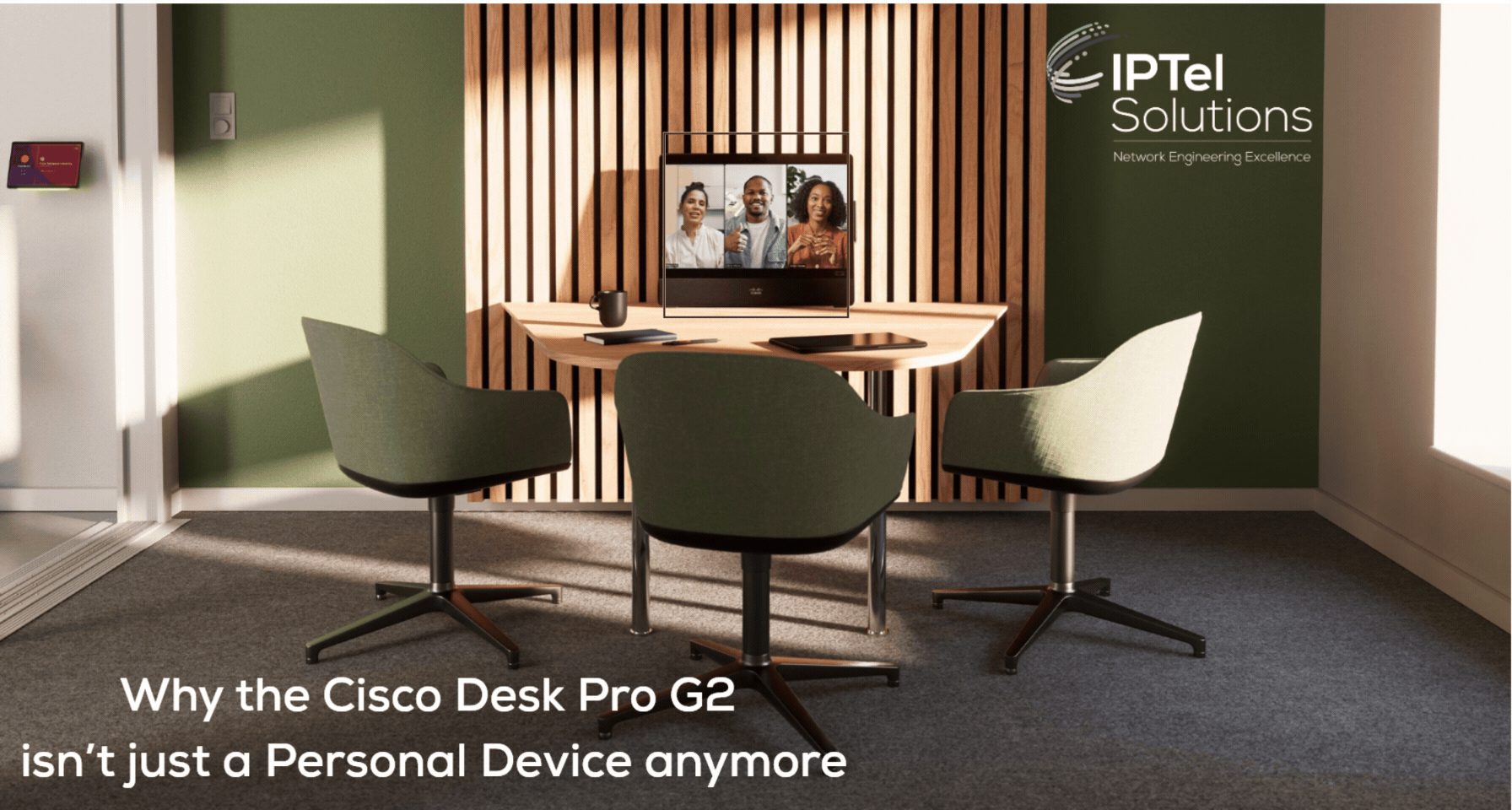
For a long time, the Desk Pro did what the name promised. One person, one desk, one tidy little video endpoint. The Desk Pro G2 shifts that definition, and it mostly comes down to one straightforward change: there are now two cameras where there used to be one.
4K – Everywhere, Cameras and Screen
.gif?width=219&height=219&name=Cisco%20Webex%20Calling%20(Instagram).gif)
Cisco has paired a 4K tele lens with a wide-angle lens that reaches a 105-degree field of view. On paper that reads like just another speeds-and-feeds spec, but it's a different story once you're actually sitting in front of it.
This isn't just a device for a single person at a desk anymore. It's something that can handle a small group leaning in around that same desk, without anyone playing musical chairs to get seen. The wide lens brings enough of the room into view to comfortably frame up to five people, while the tele lens keeps things tight and clear on whoever's talking. No more leaning forward to "find" the camera, and no more cramming three faces into a frame that was never built to hold them.
That two-lens setup is also what makes Spatial Meetings and 3D video possible. Instead of the flat rectangle we've all grudgingly accepted from standard webcams, remote attendees get a sense of depth and placement in the room – who's where, and how people relate to each other in the space.
Cisco Desk Pro G2: Many Uses
For universities, offices, and anyone who's spent too long making do with cramped huddle spaces, the day-to-day benefit is simple: you no longer need a separate room device just because a second, third, or fourth person turns up. The Desk Pro G2 stretches on its own from a personal desk unit into a small-group huddle system – it sees more, and it frames people far more naturally.
It's a small hardware change with an outsized effect: fewer awkward "can you all fit?" moments, and a device that actually keeps pace with how work happens in practice, with people jumping into whichever huddle space is closest. Everyone gets seen, and everyone gets heard.
The Desk Pro G2 supports Native Webex, Native MS Teams Rooms, and now (in Beta) Native Zoom and Google Meet – on top of BYOD/BYOM so it can join effectively any meeting platform. Yes, you can even FaceTime your family on it.
Connect More Things
There's plenty else to like about the Desk Pro G2. It still charges your laptop, still supports Miracast and AirPlay, and still carries the full suite of environmental and occupancy sensors. What's new is docking pass-through: you can leave your keyboard and mouse plugged straight into the Desk Pro G2 and connect everything back to your PC through a single, powerful USB-C cable.
As ever, if you need support working out where the Desk Pro G2 fits into your collaboration environment, drop us a line at sales@iptel.com.au. We're experts in Cisco collaboration, network design, and Wi-Fi – so if you're weighing up a refresh of your meeting spaces, we're ready to help.
Subscribe to our mailing list to receive offers, updates and new blogs before anyone else!
Cisco Desk Pro G2: Summary
The Cisco Desk Pro G2 adds a second, wide-angle camera alongside its 4K tele lens, letting it frame up to five people naturally instead of just one.
This dual-camera setup also enables Spatial Meetings and 3D video, giving remote attendees a real sense of depth and placement in the room. The upshot for universities, offices, and huddle-heavy workplaces is that one device now scales from a personal desk unit to a small-group meeting system, with native support for Webex, MS Teams, and (in Beta) Zoom and Google Meet, plus BYOD/BYOM flexibility.
A new docking pass-through feature also lets peripherals stay connected directly to the Desk Pro G2, routing everything to your PC over a single USB-C cable.
Need Help With Collaboration?
IPTel designs and manages Webex Calling and managed meeting rooms. If that would be useful, get in touch with the IPTel team or email sales@iptel.com.au.